Video to GIF Maker · Android
Any video to a GIF, in seconds.
GifDrop converts videos to high-quality GIFs entirely on your device. No uploads, no servers, no watermark. Your videos never leave your phone.
What you get
Fast, private, and yours
Everything happens on your phone. No cloud round-trips, no sign-in, no strings.
Fast on-device encoding
Optimized encoding turns short clips into GIFs in seconds — no waiting on uploads or servers, and no internet needed.
100% private
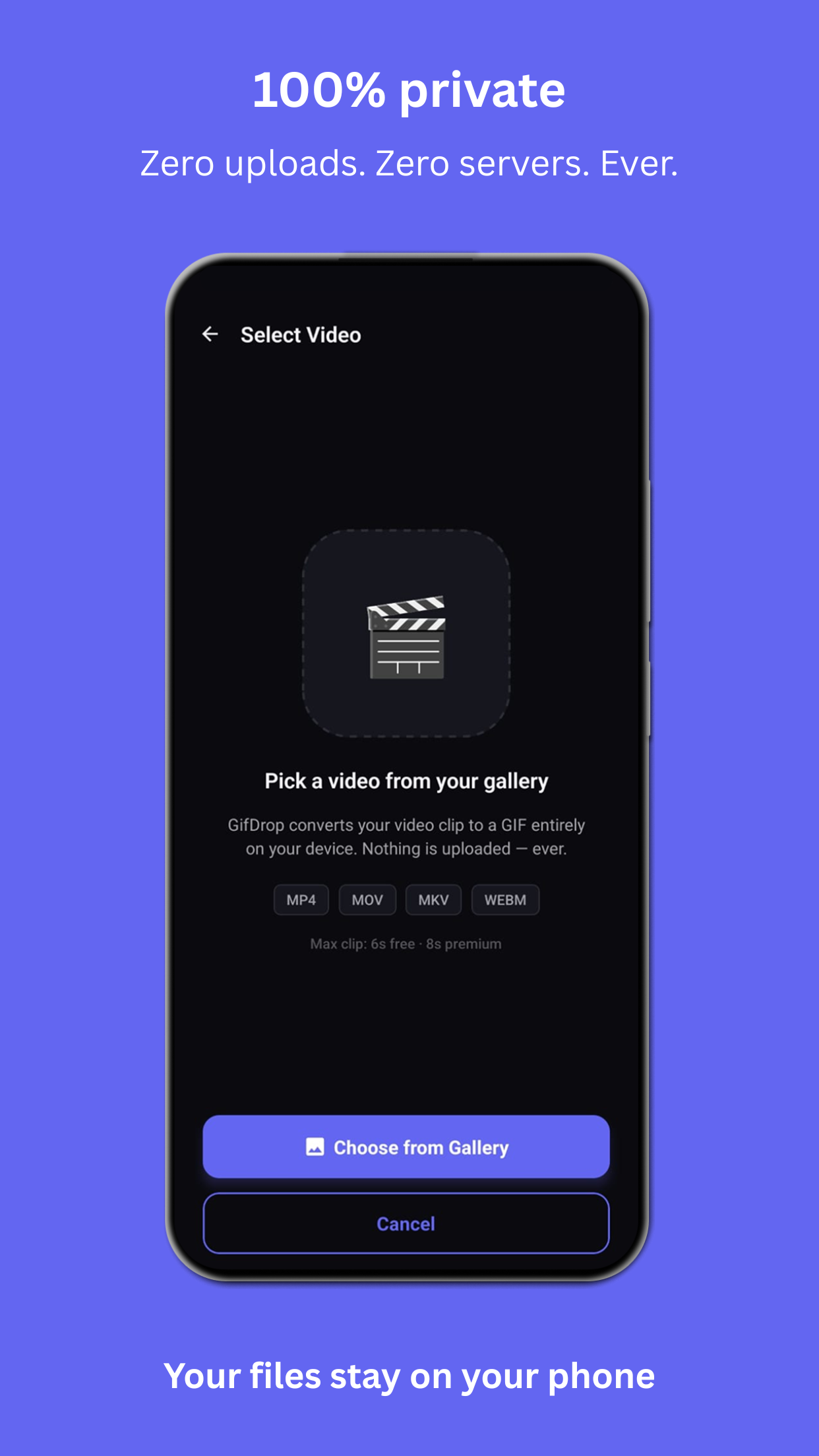
Your videos never leave your phone. No cloud uploads, no remote servers, no account required. Your files stay yours.
Precise editor
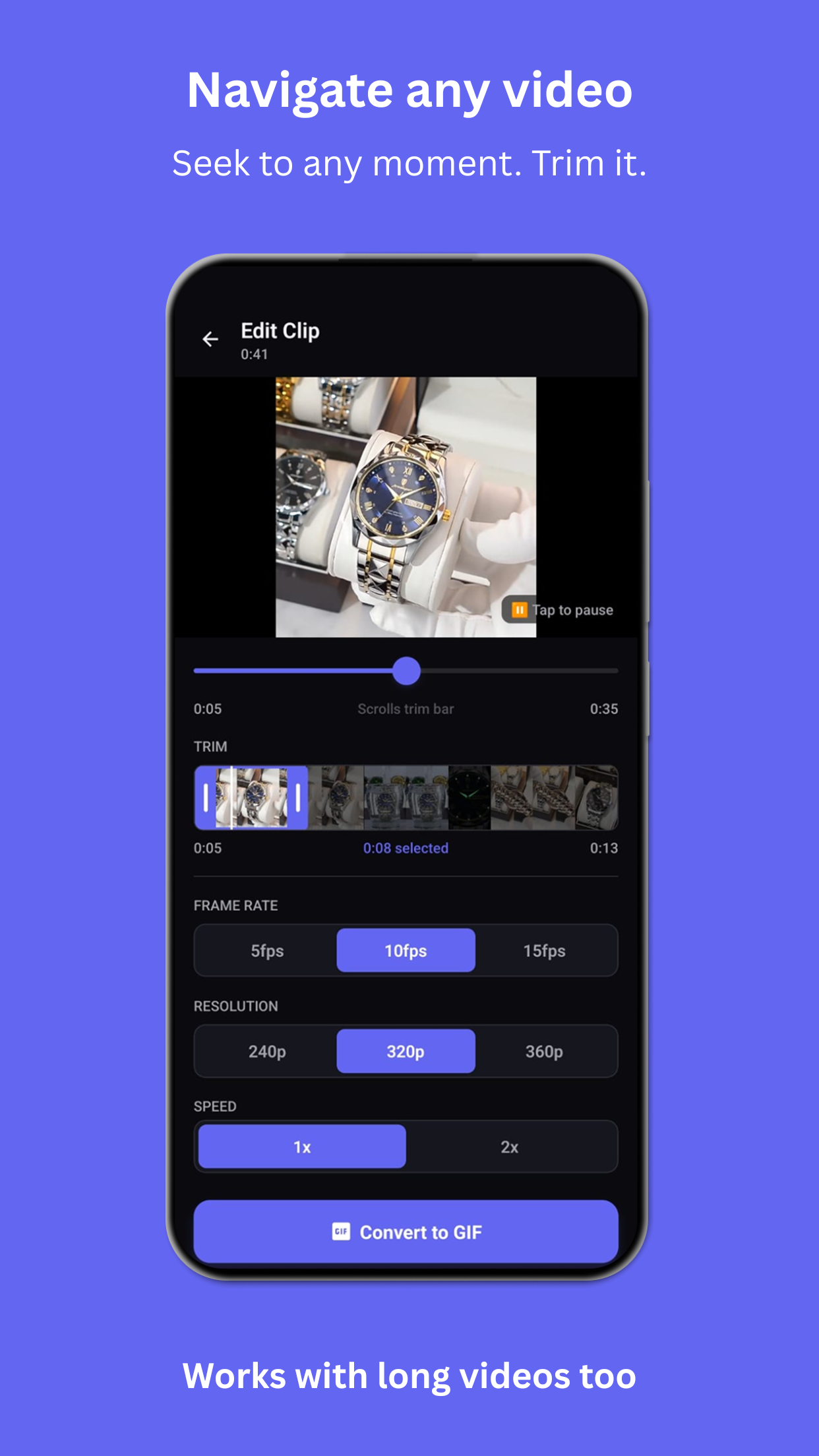
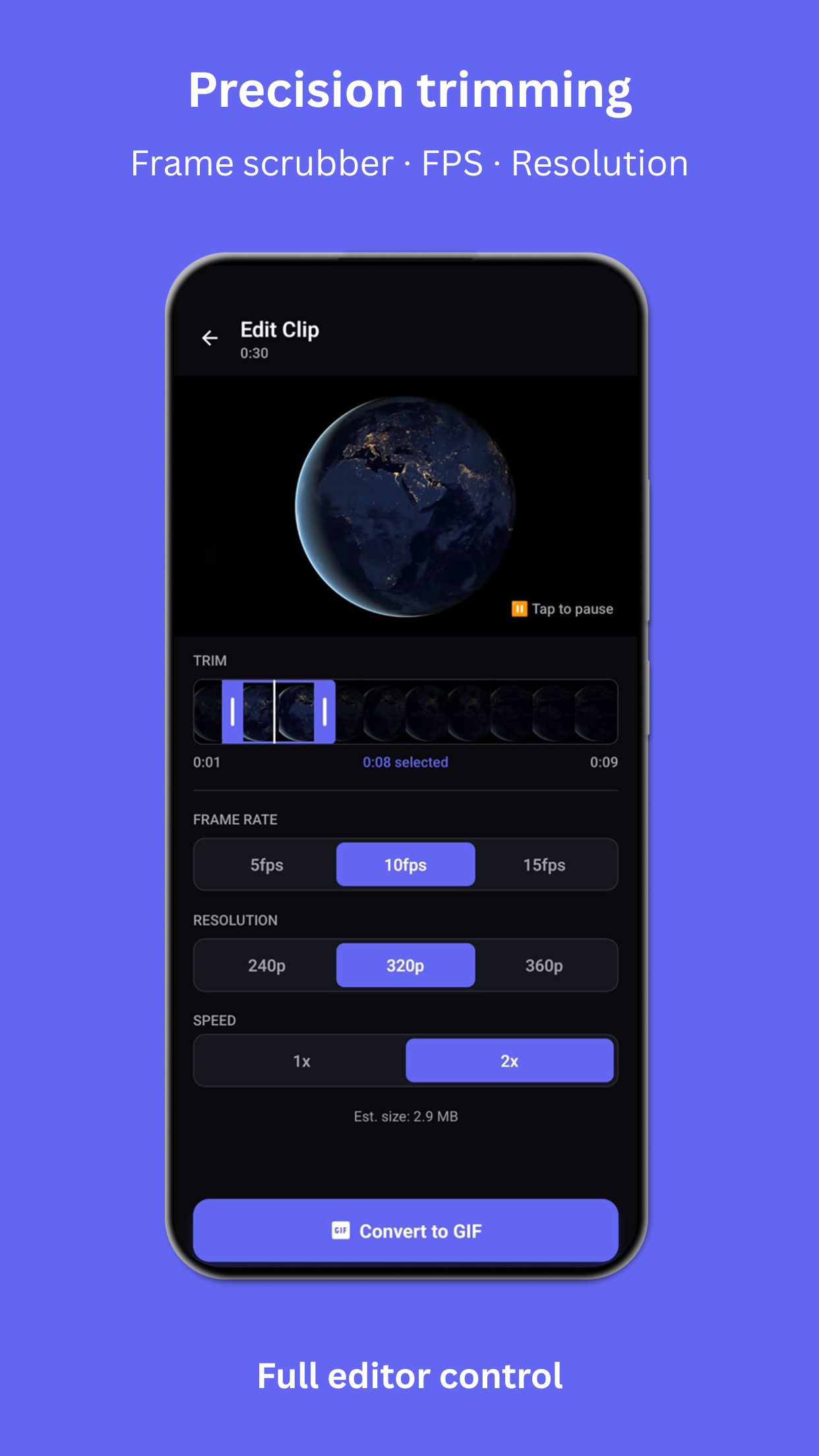
Trim with drag handles, scrub frame-by-frame, pick FPS and resolution, adjust speed — with a live size estimate before you convert.
Share anywhere
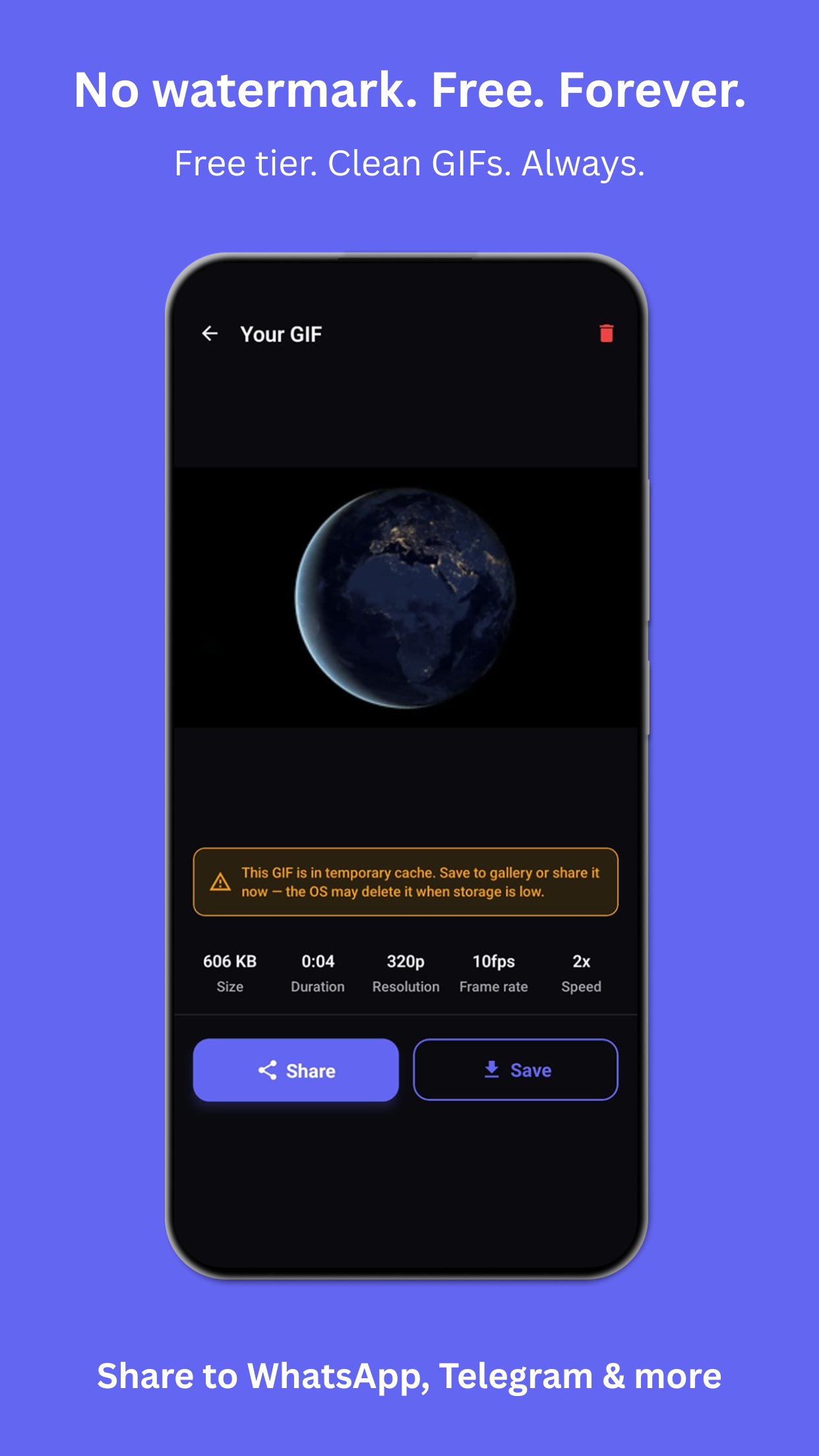
Send your GIF straight to WhatsApp, Telegram, Instagram, Reddit, X, or any other app in a single tap. No watermark, ever.
GIF history
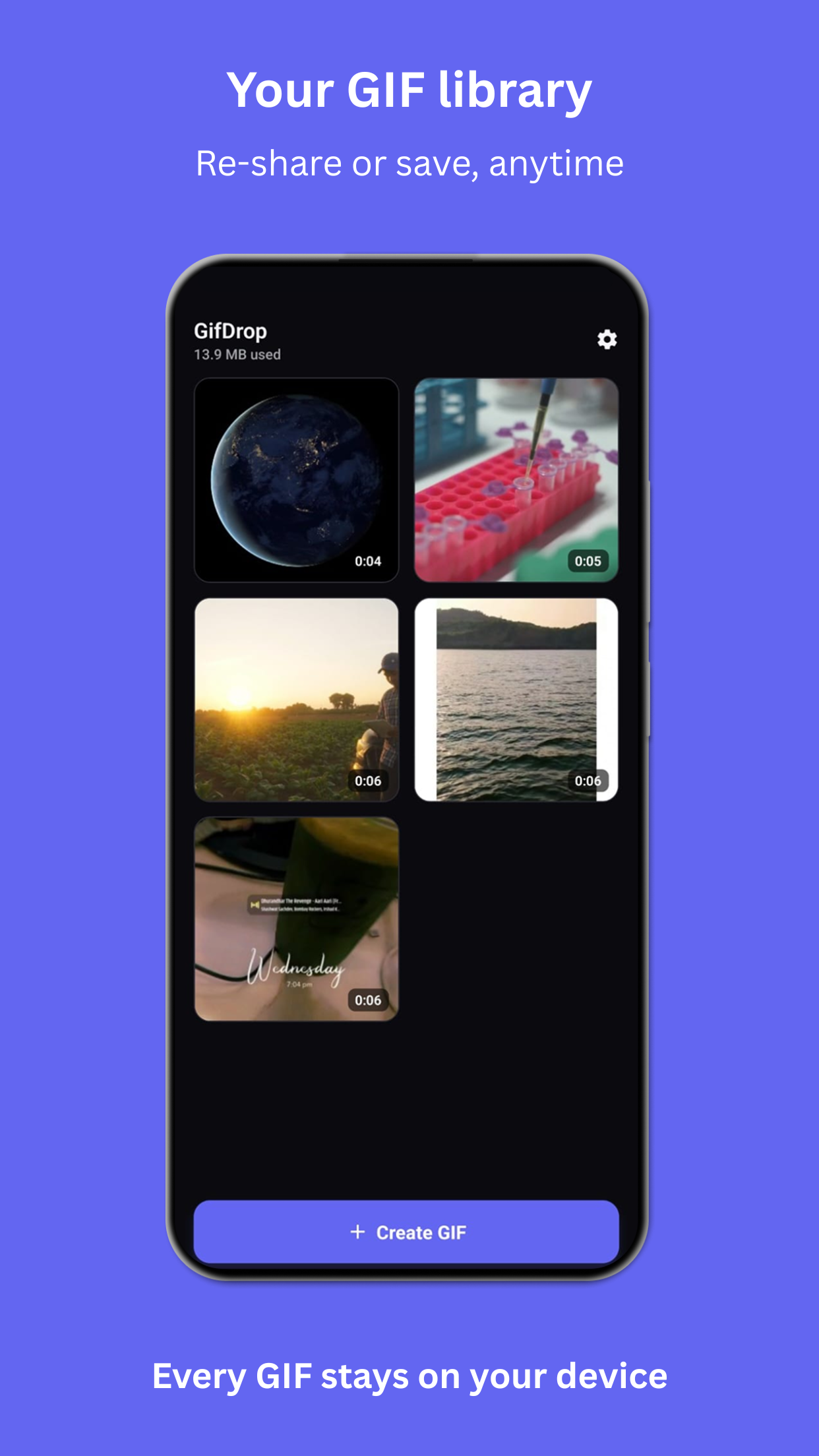
Your recent GIFs are saved for quick access. Tap to preview, re-share, or save to your gallery whenever you need.
Built to stay fast
Sensible quality caps keep every conversion quick on mid-range phones — speed is the feature, not an afterthought.
A look inside
See it in action
Swipe through the flow — from picking a clip to sharing a clean GIF.
How it works
Three taps to a GIF
Pick a clip
Choose any video from your gallery. MP4, MOV, MKV, WEBM, and more are supported.
Trim & tune
Set the exact moment with the frame scrubber, then choose FPS, resolution, and speed.
Convert & share
Export on-device in seconds and send your GIF anywhere — no watermark attached.
Demo
Watch a clip become a GIF
Make your first GIF today.
Free to start. On-device. No watermark. Available now on Google Play.
Get it on Google PlaySupported formats · MP4 · MOV · MKV · WEBM · and more